
Contents
New Update for Samsung Phones: Patches Nearly 180 Vulnerabilities
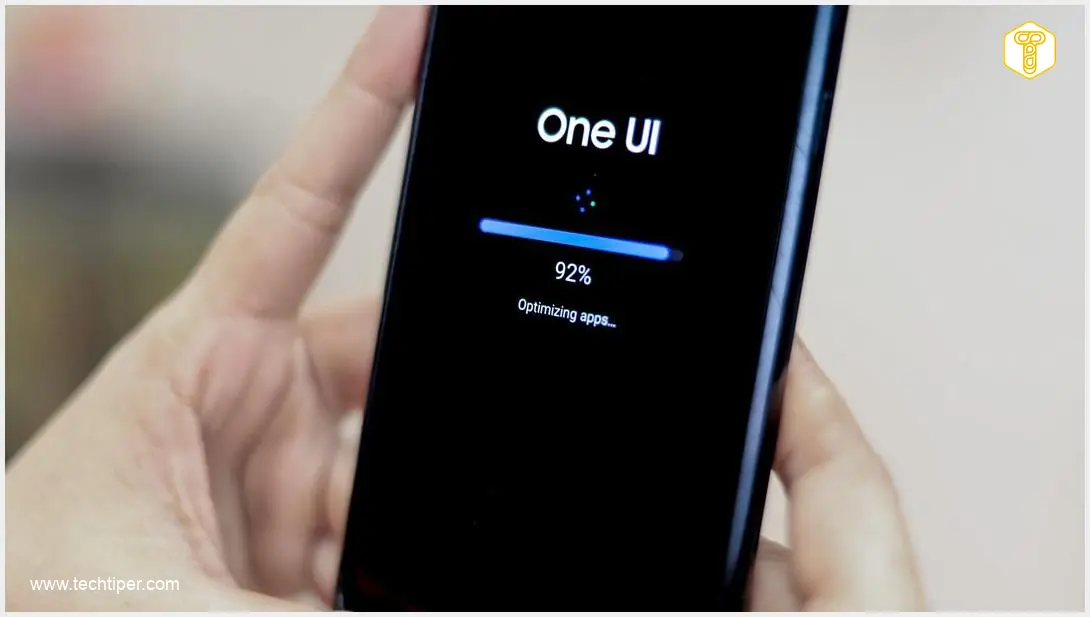
Samsung is rolling out its latest security update across a wide range of Galaxy devices, marking a crucial service package following the release of One UI 9.0. This comprehensive update addresses numerous vulnerabilities within the Android operating system and Samsung’s proprietary software, aiming to bolster device security and stability. The availability of this update can vary depending on the specific device model, geographical region, and carrier.What the Latest November Patch Brings
The security package, officially designated as **SMR Nov-2026 Release 1**, encompasses a total of 179 security fixes. This includes 155 patches from Google for the Android system itself, alongside 24 Samsung Vulnerabilities and Exposures (SVE) corrections specifically tailored for Galaxy devices. This update does not introduce new features or user interface changes. Its primary objective is to address known vulnerabilities, enhance system stability, and ensure devices maintain an up-to-date security posture, especially after the implementation of One UI 9.0. This focus on security is paramount for protecting user data and device integrity against evolving digital threats.Understanding the Rollout of the Security Update
Samsung initially published the details of this security bulletin on November 3rd, subsequently updating the list of vulnerabilities on November 5th. Among the critical issues addressed are various bootloader vulnerabilities, including potential memory write-out-of-bounds exploits that could be leveraged by an individual with physical access to the device. Google specifies that a patch level of November 5, 2026, or newer, includes all issues described in the Android Security Bulletin for November. Samsung confirms that its SMR Nov-2026 Release 1 integrates Google’s patches with its own unique security measures for Galaxy devices, ensuring a robust defense against potential exploits.Check if Your Samsung Galaxy Device is Eligible
Samsung commenced the distribution of this update in South Korea and has since expanded its rollout to include regions such as India, Europe, and Southeast Asia. Among the supported models receiving this vital update are flagship Galaxy S series devices:- Galaxy S26, S26+, S26 Ultra
- Galaxy S25, S25+, S25 Ultra, S25 Edge, S25 FE
- Galaxy S24, S24+, S24 Ultra, S24 FE
- Galaxy S23, S23+, S23 Ultra, S23 FE (Learn more about recent S23 updates here)
- Galaxy S21 FE
- Galaxy Z Fold 8, Z Fold 8 Ultra, Z Flip 8
- Galaxy Z Fold 7, Z Flip 7
- Galaxy Z Fold 6, Z Flip 6
- Galaxy A26
- Galaxy A37
- Galaxy A55 5G
- Galaxy A56 5G
- Galaxy A57 5G
Frequently Asked Questions (FAQ)
The main goal of this November security update is to enhance the overall security and stability of Samsung Galaxy devices. It addresses 179 vulnerabilities, comprising 155 Android OS patches from Google and 24 specific Samsung Vulnerabilities and Exposures (SVE) fixes, without introducing new features or UI changes.
If your Galaxy device is on the list of eligible models and you haven’t received an automatic update notification, you can manually check for it. Go to **Settings > Software update > Download and install**. Sometimes, updates are deployed incrementally, or server updates might precede automatic device notifications. If it’s still not available, it might be rolling out in phases for your specific region or carrier, so patience is key.
Source: SammyFans, Samsung Mobile Security, Android Security Bulletin, NokiaPowerUser
Opening photo: Gemini
About Post Author
