
Contents
Critical November Security Update Rolls Out for Samsung Galaxy S24 and S25 Series
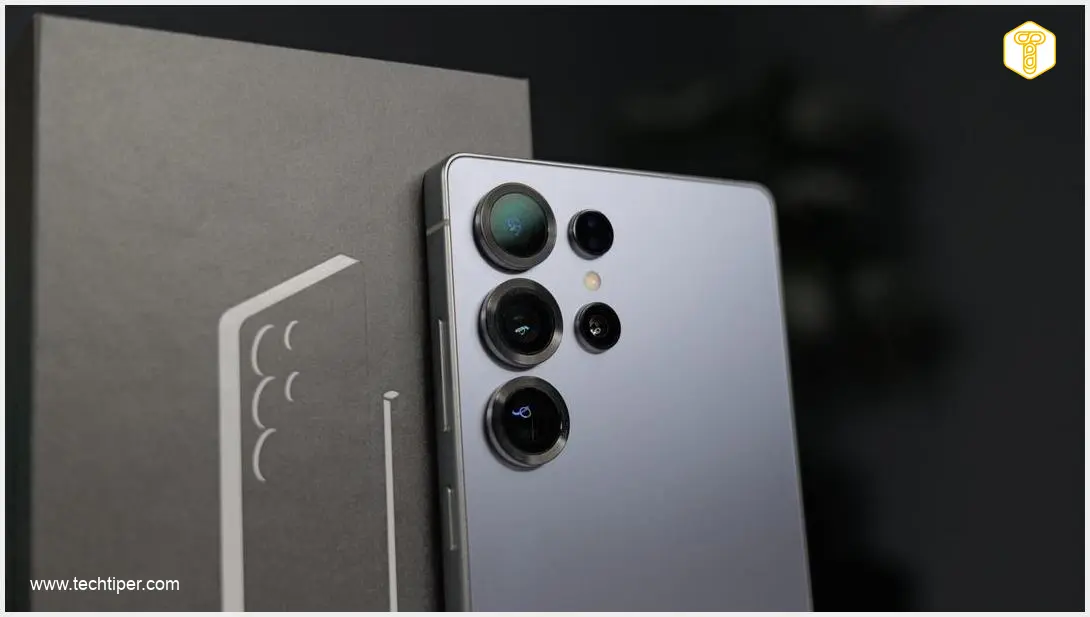
Samsung has begun rolling out its vital November security update to several of its flagship smartphone series, including the Galaxy S24 and Galaxy S25. This notification is one you absolutely should not ignore. Each security patch is designed to eliminate vulnerabilities in your device, which holds a significant amount of your private and financial information.
Why This November Security Update is Crucial for Older Samsung Galaxy Models
As we move through November, Samsung is ensuring that owners of its previous year’s and two-year-old flagships are not left behind. A total of six models across the Samsung Galaxy S24 and Galaxy S25 series are receiving this essential November security update.
Additionally, the Galaxy S25 FE models have also started receiving this update, at least in regions like South Korea. Keeping your device updated is paramount for safeguarding your personal data against evolving cyber threats.
What Does the Update Include?
This latest security patch is comprehensive, addressing a significant number of potential risks:
- 20 Critical Android System Vulnerabilities: The update includes fixes for two dozen critical flaws within the Android operating system itself, which could otherwise be exploited by malicious actors.
- 3 High-Priority One UI 9 Fixes: Beyond the core Android system, Samsung has also implemented three high-priority fixes directly related to its custom One UI 9 interface, enhancing its stability and security.
It’s important to note that this update is primarily focused on security enhancements. It does not introduce any significant changes to the One UI 9 interface. While tests for One UI 9.5 are currently underway, those are primarily for the newer Samsung Galaxy S26 series of smartphones. Nevertheless, delaying the installation of this update is not recommended, as it directly impacts the security posture of your device.
For more details on upcoming software, you might be interested in the potential Samsung Galaxy S25 One UI 8.5 update release date. Users of the Galaxy S25 series should also ensure they haven’t missed the Samsung Galaxy S25 March security update, as staying current is crucial.
How to Install the November Security Update
Checking for and installing the update is a straightforward process:
- Open your device’s Settings application.
- Scroll down and tap on Software Update.
- If the update is available for your device, you should see a Download and Install button. Tap it to begin the process.
- Once the download and installation are complete, your smartphone will prompt you to restart your device to finalize the update.
It is highly recommended to install this update as soon as it becomes available to ensure your Samsung Galaxy device remains secure.
Frequently Asked Questions (FAQ)
Security updates are crucial because they patch vulnerabilities that hackers could exploit to gain unauthorized access to your device. Your smartphone stores a wealth of personal information, including banking details, photos, and communications. Regular updates protect this data from theft, malware, and other cyber threats, ensuring your privacy and digital safety.

No, this particular November security update is focused purely on enhancing the security of your device. It addresses critical Android system vulnerabilities and specific One UI 9 fixes. It does not introduce any significant changes to the user interface, new features, or alter the appearance of your phone’s operating system.
Software updates are often rolled out in phases, meaning it might take a few days or weeks for it to reach all devices globally. Ensure your device is connected to a stable Wi-Fi network, and check for updates periodically via Settings > Software Update. If it still doesn’t appear after some time, you can contact Samsung support for further assistance.
Source: Tarun Vats, Sammy Fans. Opening photo: Krzysztof Wilamowski
About Post Author
