

Contents
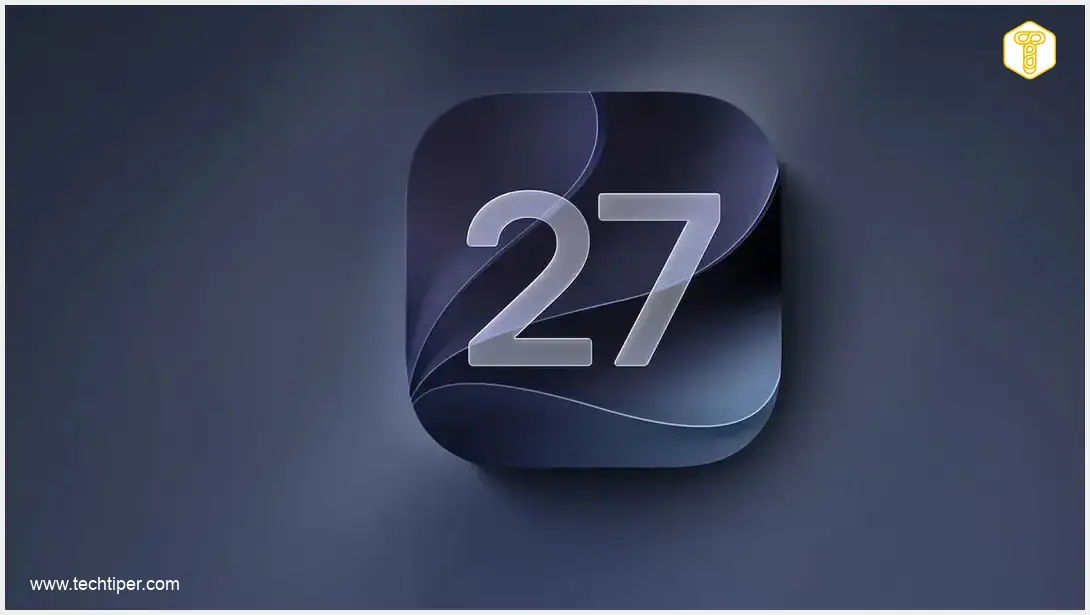
Unlocking the Future: What iOS 27 Brings to Your iPhone
The highly anticipated iOS 27 is now rolling out to compatible iPhones, introducing a suite of enhancements designed to revolutionize your user experience. While the revamped Siri AI stands out as the headline feature, Apple has also delivered substantial improvements to core applications like Photos, Find My, and CarPlay, alongside significant system-wide performance boosts.
Siri Undergoes a Major Transformation
The biggest innovation within iOS 27 is undoubtedly Siri AI – a dramatically more intelligent and capable version of Apple’s virtual assistant. Moving beyond its previous limitations of simple commands, this new iteration is engineered for deeper understanding and more intricate interactions. Siri AI can now:
- Comprehend complex, multi-layered questions.
- Utilize on-device information to provide personalized responses.
- Recognize and interpret the context of what’s currently displayed on your screen.
- Execute a broader range of actions within supported applications.
To support these advanced capabilities, Apple has also introduced a dedicated Siri application. These groundbreaking features are powered by Apple Intelligence, which means Siri AI demands significant processing power. Consequently, it will not be available on all devices running iOS 27, requiring at least an iPhone 15 Pro or a newer model for full functionality. This leap in AI integration mirrors the broader industry trend of enhancing smart assistants, a topic explored further in our article on Apple’s Siri AI Strategy and LLM Integration.
Important Considerations for European Users
For users in Poland and other European Union countries, there’s a notable caveat. The advanced Siri AI will initially be available exclusively in English. Furthermore, Apple has temporarily withheld its release in the EU due to an ongoing regulatory dispute with the European Commission. The company has also indicated that daily usage limits for Siri AI will be in place, though future options for expanded access, potentially for a fee, are anticipated.
iOS 27: Simply Faster and More Visually Stunning
Apple’s commitment to enhancing the user experience in iOS 27 extends far beyond artificial intelligence. The Cupertino-based tech giant has meticulously optimized the system’s core, promising a noticeably faster and smoother daily operation. Users can expect:
- App launch times to improve by up to 30%.
- Photo loading into the Photos library to be up to 70% quicker.
- AirDrop file transfers to accelerate by as much as 80%.
It’s important to remember that these are maximum improvements stated by Apple; actual performance gains will vary depending on your specific iPhone model and the task being performed. For more on how iOS updates impact overall device performance, you might find our insights on iOS 26.4 Update Features and New Ecosystem Enhancements insightful.
Refined Visuals with Liquid Glass
Beyond speed, iOS 27 also brings a refreshed aesthetic. Apple has further refined its “Liquid Glass” visual design language, enhancing elements such as contrast and transparency effects. Users now have greater control over the intensity of interface transparency and tinting, allowing for a more personalized look. App icons, too, are designed to display more intricate details, contributing to a richer visual experience.
Find My and CarPlay Also Receive Significant Updates
iOS 27 introduces several practical, albeit smaller, features that significantly improve utility across various applications.
Enhanced Location Sharing with Find My
The Find My application gains greater flexibility in location sharing. Instead of relying solely on predefined intervals, users can now specify an exact duration for sharing their location. This update also allows for the temporary suspension of location sharing with selected contacts until the end of the day, offering more granular control over privacy.

CarPlay Evolves with Video Capabilities
Apple continues to expand the capabilities of CarPlay. In compatible vehicles, users will now have access to applications designed for browsing and watching video content. This feature is, however, strictly limited to when the vehicle is stationary, ensuring safety by preventing video playback while driving.
Additional Enhancements in iOS 27
The comprehensive list of iOS 27 features doesn’t stop there. Other notable additions include:
- New Apple Intelligence features integrated within the Photos app for smarter photo management and editing.
- Improved image generation capabilities in Image Playground, allowing for the creation of more realistic visuals.
- The ability to create custom shortcuts simply by describing the desired action, streamlining complex tasks.
- For users in the United States, a new bill-splitting feature leveraging Apple Cash is introduced, simplifying group payments.
Frequently Asked Questions (FAQ)
iOS 27 is compatible with iPhone models from the iPhone 11 series and newer. However, specific advanced features like Siri AI require at least an iPhone 15 Pro.
The new Siri AI will initially be available only in English. Its rollout in the European Union is currently paused due to an ongoing regulatory dispute with the European Commission. Apple is likely to expand language and regional support over time.
No, for safety reasons, the video browsing and playback features in CarPlay with iOS 27 are strictly limited to when the vehicle is stationary. Video content will not play while the car is in motion.
Apple claims significant performance improvements, including apps launching up to 30% faster, photo loading up to 70% quicker, and AirDrop transfers up to 80% faster. Actual speed gains will depend on your specific iPhone model and the tasks you perform.
Source: MacRumors, original research
Opening photo: Apple / press materials
About Post Author
