

Contents
Samsung Fixes Critical Gesture Bug in One Hand Operation+ Good Lock Module
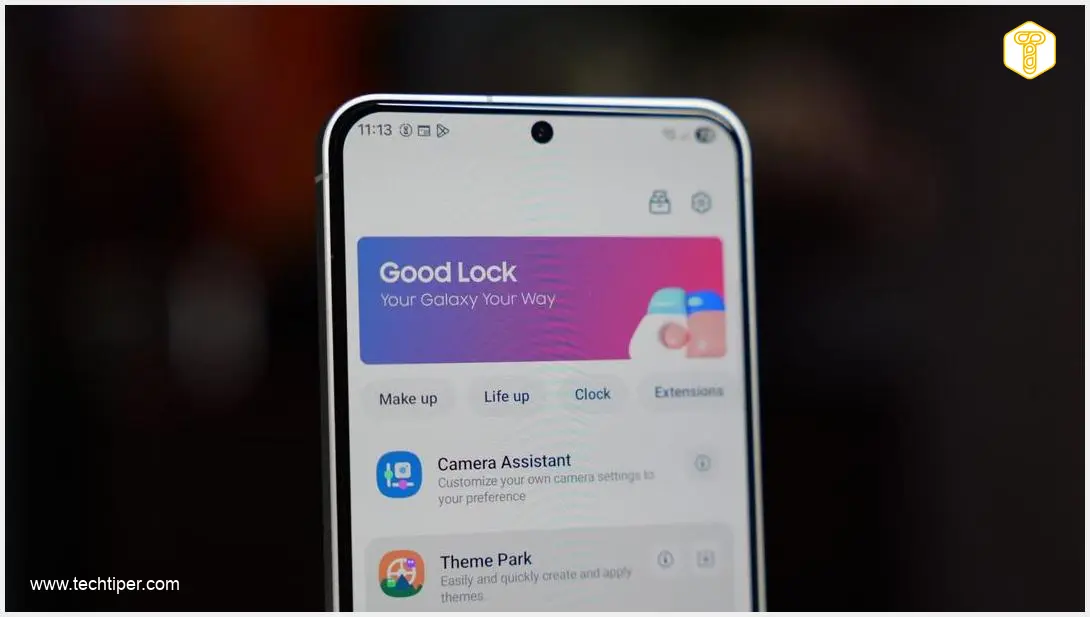
Samsung smartphone users recently encountered an unexpected and frustrating bug within a popular utility. The issue specifically affected One Hand Operation+, a key module of Samsung’s customization suite, Good Lock, which is crucial for managing intuitive gesture navigation. Fortunately, Samsung has promptly addressed and resolved this problem with a new software update.
Understanding the One Hand Operation+ Bug
The core of the problem lay in how One Hand Operation+ interacted with the device after a restart. Users reported that if their Samsung smartphone was rebooted while the bug was present, the custom gestures they had set up would cease to function entirely. This meant that after every restart, users were left with two inconvenient options:
- Manually reconfigure all their previously programmed gestures from scratch.
- Wait for a software patch that would hopefully restore functionality without manual intervention.
This glitch not only disrupted the seamless user experience but also highlighted the importance of robust software stability, especially for features that users rely on daily for navigation.
The Patch: One Hand Operation+ Version 9.3.13.0
To rectify this irritating issue, Samsung rolled out an urgent update for the Good Lock module. An update for One Hand Operation+, specifically version 9.3.13.0, has been made available on the Galaxy Store. This update is designed to directly resolve the problem of gesture functionality failing after a device restart, ensuring that your custom navigation gestures remain active and reliable.
Why You Should Update Now
Even if you haven’t personally experienced the disappearing gesture functionality after restarting your Samsung smartphone, it is highly recommended to update One Hand Operation+ as soon as the patch becomes available in your region’s Galaxy Store. Keeping your device’s software and modules up-to-date is crucial for:
- Enhanced Stability: Updates often include critical bug fixes that prevent future issues.
- Improved Performance: Optimizations can make your phone run smoother and more efficiently.
- Security: Regular updates, such as the Samsung Galaxy A36 security update One UI 8.5, are vital for protecting your device and personal data from vulnerabilities.
Don’t risk any moment of discomfort or reduced functionality for such an essential tool as your smartphone. Ensuring all components, including customization modules, are current contributes to a superior overall user experience.
For those interested in other advanced features and AI capabilities, explore how new technologies like Google Gemini Memory Import Feature Explained can further enhance your smartphone interactions.
Previous Issues with One Hand Operation+
This isn’t the first time Samsung has had to issue a patch for One Hand Operation+. The module has historically faced occasional compatibility challenges. For instance, there were previous reports where the gesture functionality “clashed” or interfered with certain applications, most notably the Instagram app. Such instances underscore Samsung’s continuous effort to refine and optimize its software, ensuring a seamless experience across its vast ecosystem of apps and features.
Frequently Asked Questions (FAQ)
One Hand Operation+ is a module within Samsung’s Good Lock suite that allows users to customize gesture-based navigation for their Samsung smartphones. It enables more efficient one-handed use by assigning specific actions to swipes and gestures from the edges of the screen.

You can update One Hand Operation+ by opening the Galaxy Store on your Samsung smartphone, searching for “One Hand Operation+”, and installing the latest available version (9.3.13.0 or newer). It’s recommended to check for updates regularly to ensure optimal performance and security.
While not strictly “essential” for basic phone operation, Good Lock, and its modules like One Hand Operation+, offer extensive customization options that significantly enhance the user experience. They allow users to tailor their Samsung device’s interface and functionality to their personal preferences, making it a highly valued suite for many.
Source: SammyFans. Opening photo: Krzysztof Wilamowski
About Post Author
