
Contents
November Pixel Drop Affects Smartphone Cameras: A Simple Solution
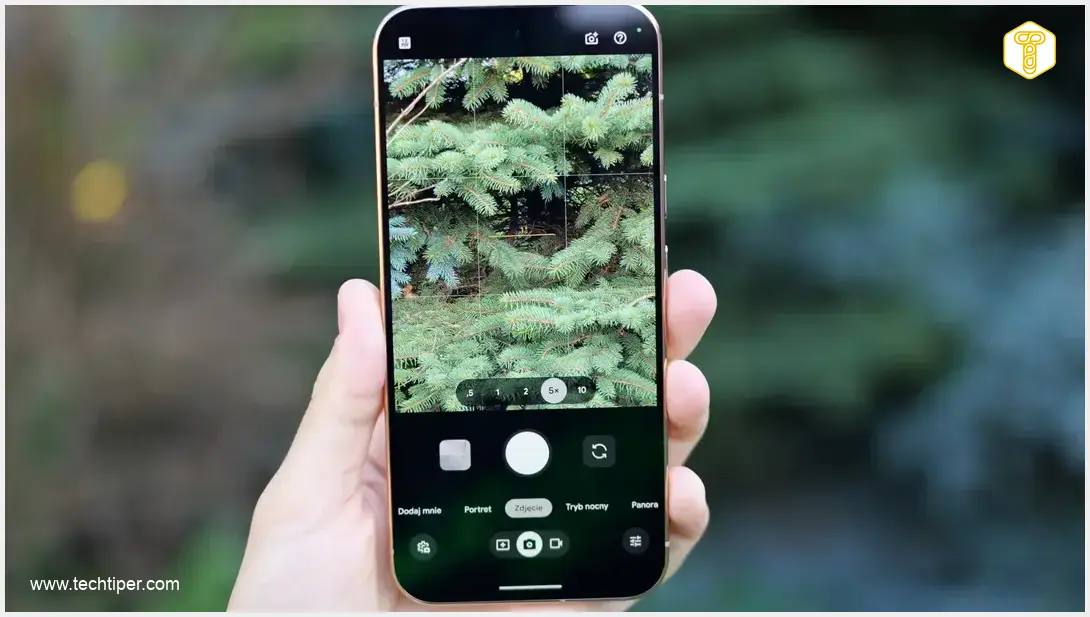
The highly anticipated November Pixel Drop update, while bringing a host of new features to Google’s smartphones, has unfortunately introduced an unexpected camera bug for some users. Owners of Google’s latest Pixel devices are reporting significant issues with their camera modules becoming unresponsive or displaying error messages. The good news is that a straightforward solution can often resolve this problem without requiring a visit to a service center.
Understanding the Pixel Drop Camera Bug
The November Pixel Drop was one of the most substantial updates for Google Pixel smartphones, extending new functionalities not only to the latest generation but also bringing features previously exclusive to the Pixel 11 series to the Pixel 10 series. However, this update has caused frustrating camera malfunctions for a segment of users.
Affected Devices and Symptoms
The bug primarily impacts users with Google Pixel 10 and Pixel 11 series devices. After installing the November system patch, many have experienced:
- The front and/or rear cameras ceasing to respond.
- A black screen appearing when attempting to launch the camera application.
- Persistent error messages preventing camera use.
Crucially, this issue extends beyond Google’s default camera app, affecting third-party photography applications as well. This strongly indicates a system-level problem rather than an isolated application glitch.
Widespread Reports and Ineffective Troubleshooting
The scale of this issue is considerable, with numerous users reporting the problem across various online forums and official Google support channels. Traditional troubleshooting steps, such as restarting the device, clearing the camera app’s cache, booting into safe mode, or even performing a full factory reset, have largely proven ineffective.
The Simple Fix for Pixel Camera Malfunctions
Unlike many software glitches that can be resolved with a quick restart, this particular camera bug requires a more specific approach. The recommended solution is surprisingly simple:
- Completely power off your Google Pixel smartphone. Do not simply restart it.
- Leave the device powered off for approximately five minutes. This allows all hardware modules, including the camera, to fully discharge and reset.
- After five minutes, power your smartphone back on.
This method has been recommended by Google’s technical support experts and confirmed by dozens of users who have successfully restored their camera functionality. Upon restarting, both the electronic and optical components of the camera should operate correctly once again.
What to Do If the Fix Doesn’t Work
While the 5-minute power-off method has a high success rate, a small percentage of users might find their camera issues persist. If you are still experiencing problems:
- Contact Google Support: Reach out to official Google Pixel support for further assistance. They may have advanced diagnostic tools or alternative solutions for more stubborn cases.
- Check for Subsequent Updates: Google frequently releases monthly security patches and feature drops. Keep an eye out for future updates, such as the upcoming March Pixel Update or subsequent patches, which may include further bug fixes for camera stability.
Preventing Future Pixel Update Issues
To minimize potential disruptions from future software updates, consider these best practices:

- Backup Your Data: Always back up important photos, videos, and documents before performing any major system update.
- Read Release Notes: Review the official release notes for any update to understand new features, bug fixes, and known issues.
- Monitor User Feedback: While it’s tempting to update immediately, sometimes waiting a few days to see initial user feedback on forums can help you avoid widespread bugs.
Frequently Asked Questions (FAQ)
The camera bug primarily affects users with Google Pixel 10 and Pixel 11 series smartphones after installing the November Pixel Drop update.
Users experience issues such as a black screen when launching the camera app, persistent error messages, or a completely unresponsive camera, affecting both the default and third-party photography applications.
The bug appears to be a deeper system-level issue affecting how the camera hardware integrates with the software after the update. A simple restart or factory reset often doesn’t fully clear the state that causes the malfunction, whereas a complete power cycle allows for a full reset of all modules.
Given that the problem appeared immediately after a software update and affects third-party camera apps, and can be resolved with a specific power-cycle method, it is strongly indicative of a software-related bug rather than a hardware failure.
If the recommended fix doesn’t work, you should contact Google Pixel official support for further assistance. They may be able to provide advanced troubleshooting or recommend repair options. Also, monitor for subsequent Pixel updates that might contain additional bug fixes.
Source: AndroidAuthority, Own work. Opening photo: Krzysztof Wilamowski
About Post Author
