

Contents
No Going Back from iOS 27: Apple Shuts Down Downgrades
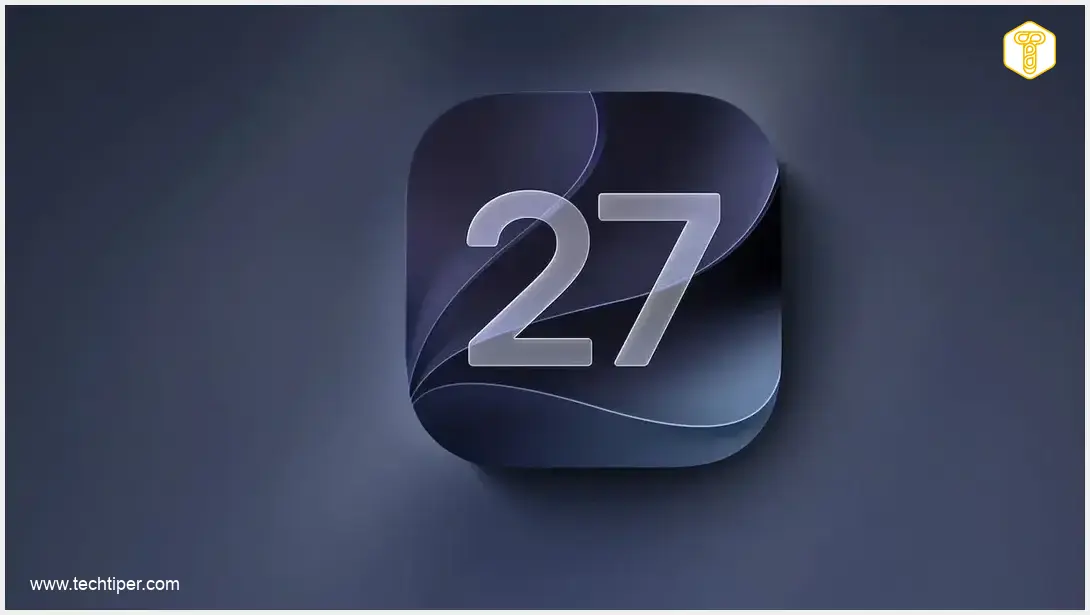
Apple has officially closed the door on downgrading from iOS 27. If you’ve already updated your iPhone to the latest operating system, you can no longer officially revert to iOS 26.6.2 or any earlier version. This decision, announced recently, means the window for users to go back to a previous OS generation has now closed.
The news was confirmed by reports and social media, highlighting that Apple has ceased signing iOS 26.6.2. For iPhone users who have already made the jump to iOS 27, this means the official path back to an earlier system generation is no longer available.
As noted by tech observers:
“Apple is no longer signing iOS 26.6.2, this means you can’t downgrade to iOS 26 anymore from iOS 27.”
— Aaron (@aaronp613) September 21, 2026
Understanding Software Signing
Software signing is a critical component of the iOS installation process. Before your iPhone allows a specific version of the operating system to be installed, the device communicates with Apple’s servers to verify that the particular build is still authorized. This authorization is what “signing” refers to.
Apple intentionally maintains only a limited number of actively signed iOS versions. There are several key reasons for this practice:
- Security: Older software releases may contain vulnerabilities that have since been patched. By preventing downgrades, Apple ensures users stay on the most secure version, protecting them from potential exploits.
- Stability and Performance: Keeping users on the latest OS helps maintain a consistent and optimized experience across the ecosystem, reducing compatibility issues with new apps and services.
- Feature Adoption: It encourages users to adopt new features and improvements introduced in the latest iOS versions.
For more insights into Apple’s continuous efforts to enhance its ecosystem, you might find this article interesting: iOS 26.4 Update Features New Ecosystem Enhancements.
The iOS 26.7 Situation: A Closer Look
The situation becomes particularly interesting with the recent release of iOS 26.7. While Apple has made iOS 26.7 available, an official restore image for this version is not currently offered for iPhones. However, an analogous image is available for iPadOS 26.7.
In practice, users who are still running an older version of iOS 26 can typically download and install iOS 26.7 as an over-the-air (OTA) update. However, this option does not extend to individuals who have already upgraded to iOS 27.
Therefore, if you updated your iPhone to iOS 27 hoping for an easy way to revert to a previous system, that official avenue has now been closed. Apple no longer authorizes the installation of iOS 26.6.2, and users on iOS 27 are now committed to the new generation of the operating system. This decision underscores Apple’s strategy for managing its device ecosystem, often balancing user flexibility with security and technological progression.

For context on how Apple addresses various system challenges, consider reading about Apple Liquid Glass Accessibility Issues in iOS 26 Report.
Frequently Asked Questions (FAQ)
Apple stops signing older iOS versions primarily for security reasons, to ensure users are on the most patched and secure software, protecting them from vulnerabilities. It also helps in maintaining system stability, performance, and encouraging the adoption of new features.
While there might be unofficial or unsupported methods discussed online, Apple does not endorse or guarantee these. Attempting such methods can lead to device instability, loss of data, and may void your warranty. It is generally not recommended.
If you are experiencing issues with iOS 27, it’s recommended to first check for official Apple updates that might address bugs. You can also try troubleshooting steps like restarting your device, resetting settings, or contacting Apple Support for assistance. Providing feedback to Apple can also help them improve future updates.
Source: 9to5Mac, internal analysis.
Opening photo: Apple / Press materials.
About Post Author
